LinkedGage | AI-Powered LinkedIn Comment Generator
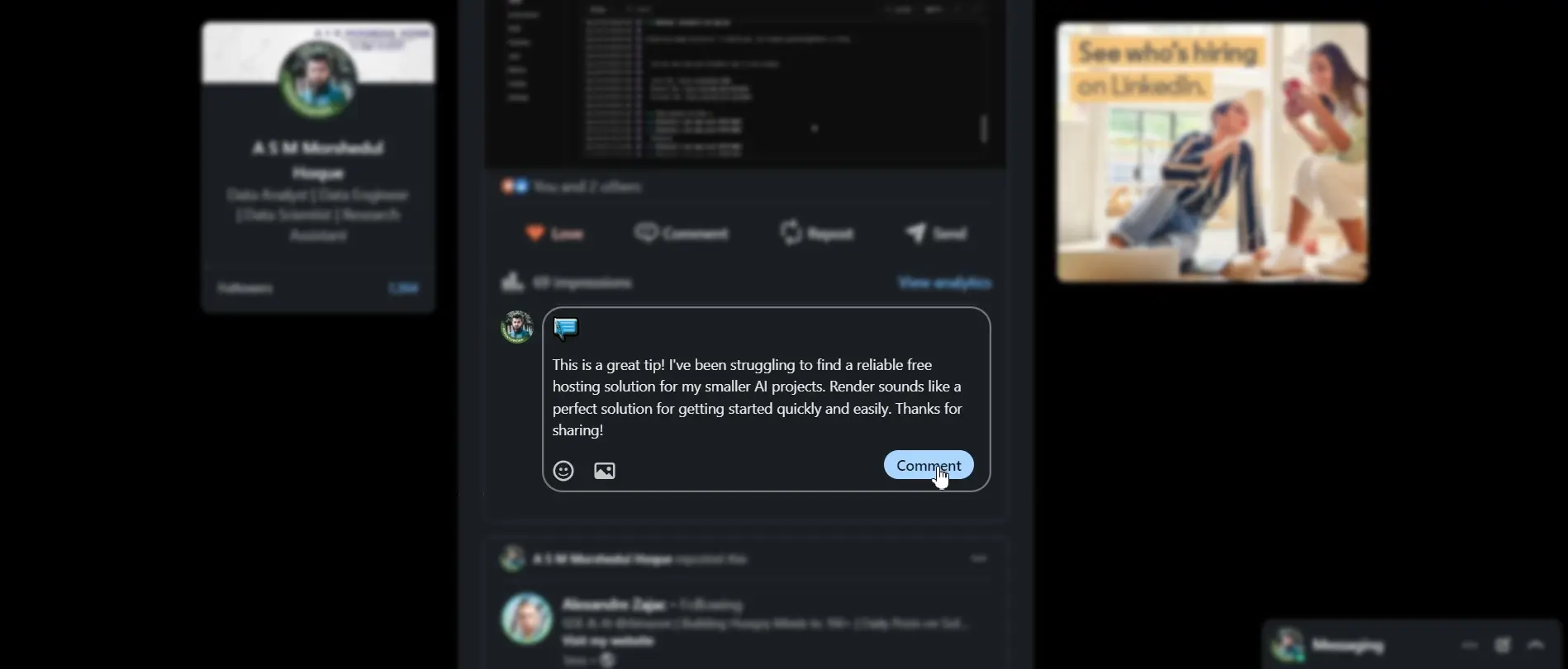
LinkedGage is an AI-driven Chrome extension and web tool designed to streamline LinkedIn engagement by generating personalized comments based on post content and a user-selected tone. Built with a modern tech stack including Flask, Node.js, and MySQL, and powered by a large language model (LLM), LinkedGage is ideal for professionals, content creators, and marketers who want to boost their presence on LinkedIn with context-aware, high-quality comments—effortlessly.
Services:
- Extension
- LLM
Client:
Solo Project (Founder-led)
Project link:
https://linkedgage.com/Duration:
2 weeks
LinkedGage is a Chrome extension and web application that transforms how professionals interact on LinkedIn. Powered by AI and designed with productivity in mind, it helps users generate relevant, engaging comments based on the tone they choose and the content of a post. With seamless integration into LinkedIn and a personalized dashboard, LinkedGage is the perfect companion for creators, founders, marketers, and networkers who want to stay active without spending hours thinking of what to write.
Project Overview
LinkedGage was developed to solve a common pain point: consistently writing engaging and relevant comments on LinkedIn posts. Many professionals struggle with time, creativity, or consistency when engaging with their network. This tool automates the process using AI that understands post context, interprets tone, and suggests suitable comments instantly—right inside LinkedIn’s interface.
Key Features
- AI-Powered Comment Generation: Select a tone (e.g., Supportive, Curious, Bold) and generate a relevant, high-quality comment based on the post’s content using a powerful LLM.
- Supports Common Image Formats: Users can upload images in PNG or JPG format.
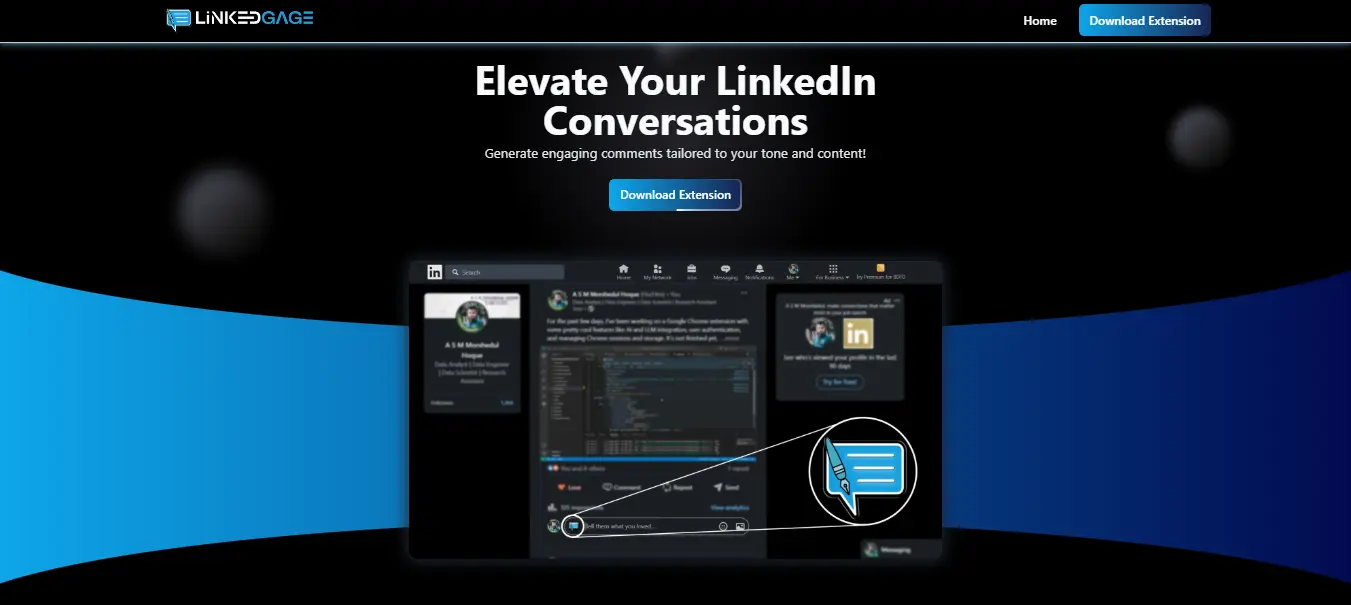
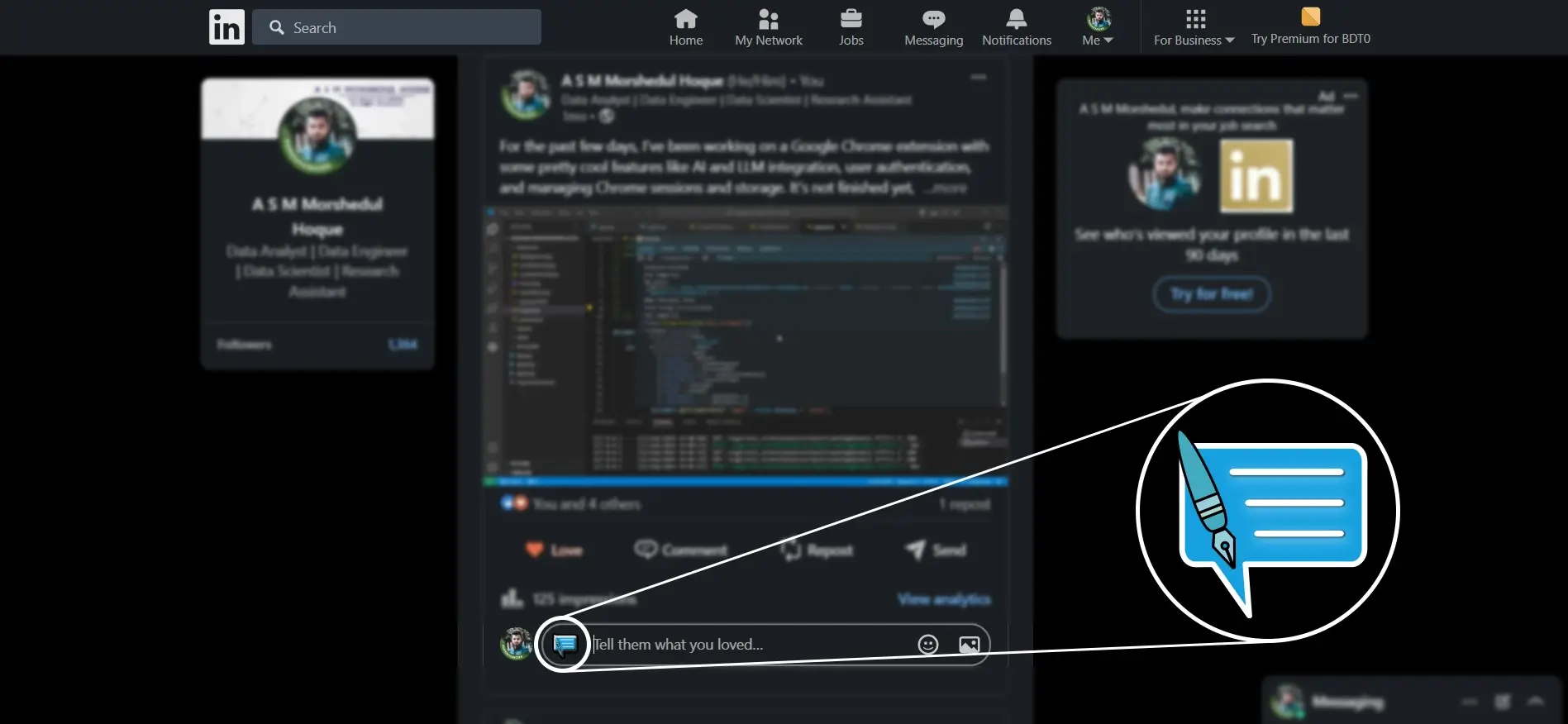
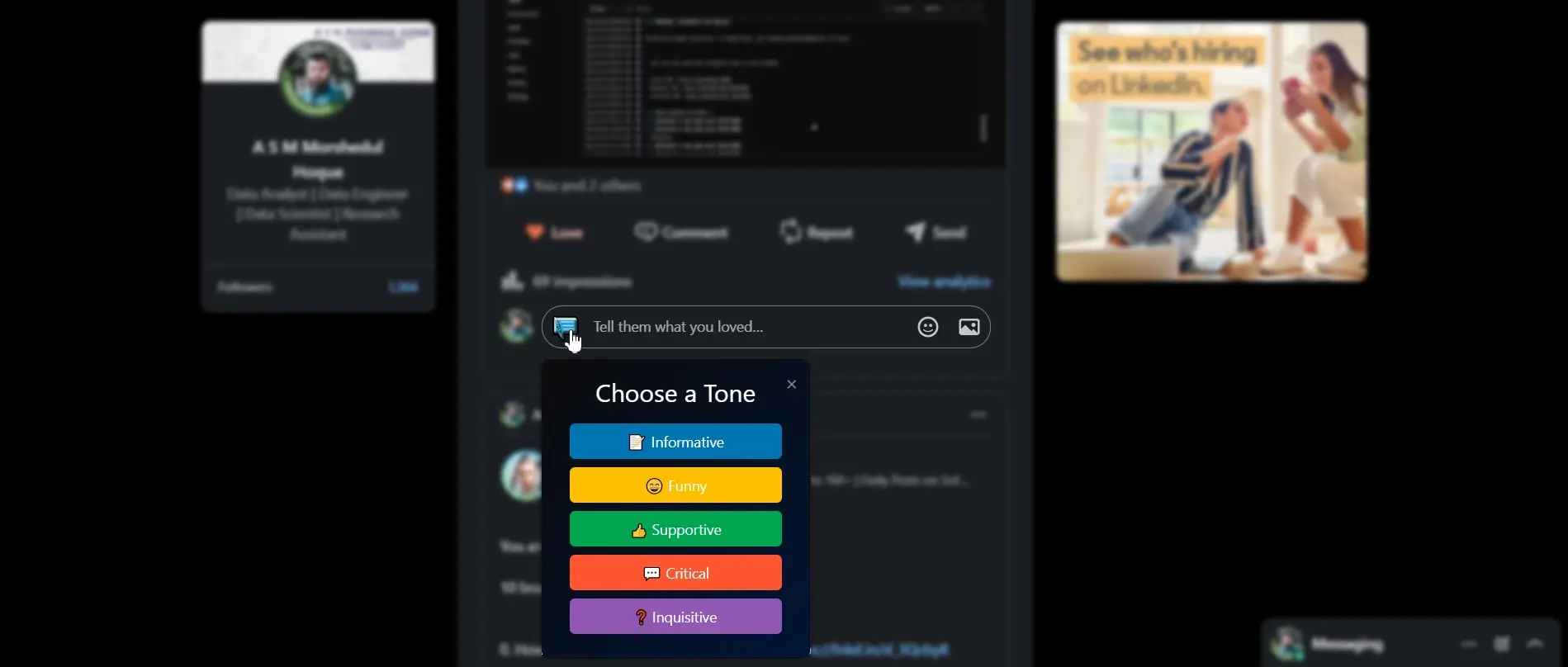
- Smart UI Integration: Once logged in, an icon appears in every LinkedIn post’s comment section. Clicking it opens a tone selector popup and instantly suggests a comment.
- Dynamic User Dashboard: Users can track how many comments they’ve generated, view past comments, and analyze tone usage history—all in a clean, accessible dashboard.
- Multilingual Input Understanding: While comments are generated in English, the system can understand post content written in multiple languages.
- Free Daily Usage Quota: Users can generate up to 10 comments per day for free. Premium support is under development.
Technologies Used
- Flask: Backend web framework used for handling authentication, API requests, and dashboard logic.
- Node.js: Middleware to interface with the LLM for real-time comment generation.
- MySQL: Relational database for managing users, comment history, usage limits, and tone preferences.
- LLM Model (via Gemini/GPT): Provides human-like, context-aware comment generation.
- Chrome Extension APIs: Injects interactive buttons into LinkedIn and manages user interaction.
- Tailwind CSS: For rapid UI styling across the dashboard and popup.
- VPS Hosting: Deployed on a secured virtual private server for performance and reliability.
How It Works
- Login via Dashboard: Users authenticate through the LinkedGage web dashboard.
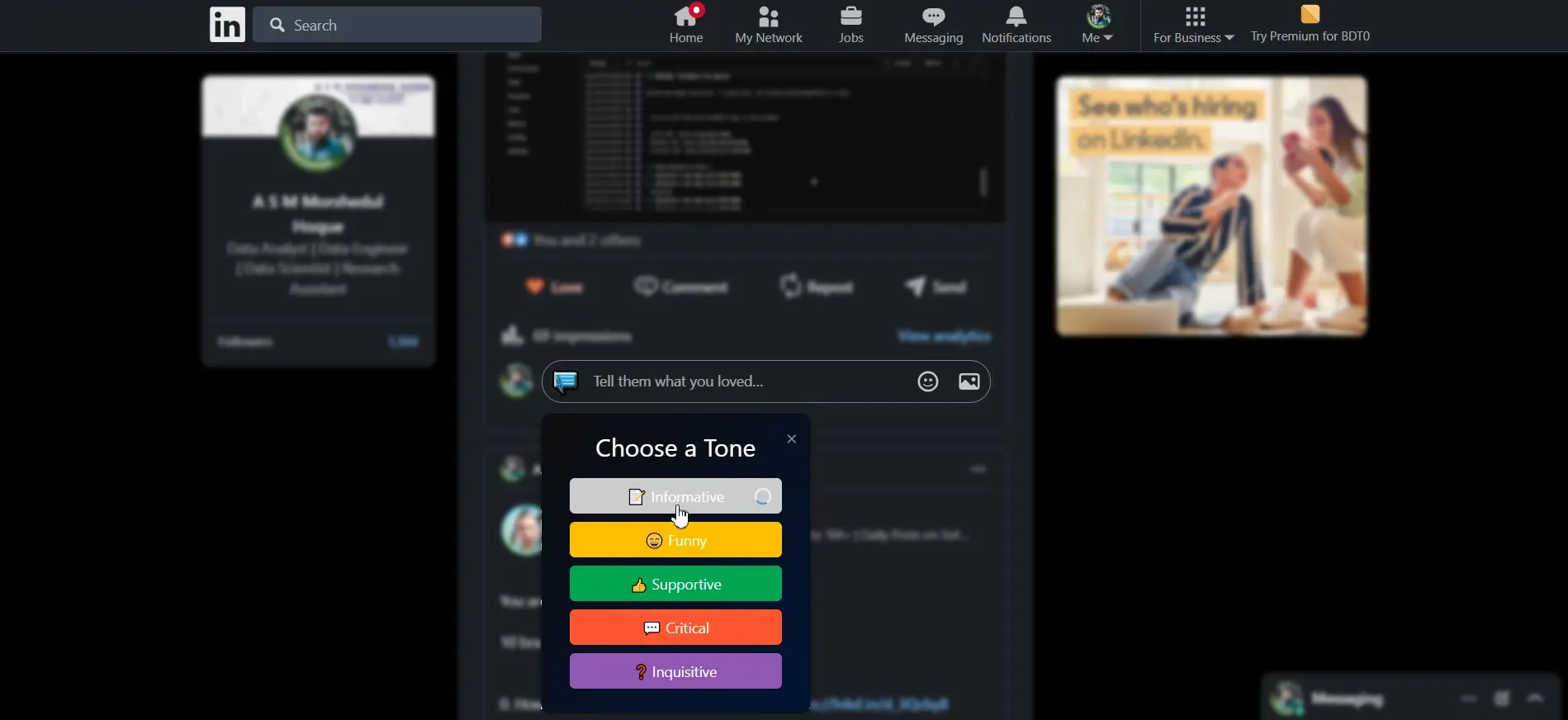
- Use on LinkedIn: After login, a button appears under LinkedIn posts. Clicking it opens a tone selection popup.
- Select Tone & Generate: Pick a tone and LinkedGage instantly generates a comment based on the post's content.
- Edit or Post: The user can edit the comment or post it directly.
- Track Usage: The dashboard shows how many comments were generated and their tone breakdown.
Why LinkedGage?
LinkedGage removes the friction of daily LinkedIn engagement by helping users consistently show up with meaningful comments. Whether you're trying to build your personal brand, network smarter, or just stay active, LinkedGage ensures that you're saying the right thing at the right time—with less effort.
Challenges & Solutions
The biggest challenge was embedding real-time AI interaction directly into LinkedIn’s interface without violating platform boundaries. This was solved by using Chrome’s activeTab and host_permissions to securely inject interface components only when needed. Ensuring sub-2 second response times for AI-generated comments was another priority, achieved through asynchronous Node.js–LLM communication. Data usage limits and user history tracking were efficiently managed with a MySQL-based system and a responsive Flask backend.